
Noise Meter — Shusher
Real-time dB & noise scoring
Flutter app that streams microphone input into approximate decibel readings, runs timed measurement sessions, scores the environment against common noise bands, saves history on device, and offers CSV export and charts. Monetization via ads and a one-time Premium unlock for extended features.
Key Features
Live meter
Start and stop timed sessions; see min, max, average, and category labels with plain-language recommendations.
- • Approximate dB from the microphone
- • Noise score and category bands
- • Share-friendly results
History & export
Past sessions stay on your device; export CSV or share summaries when you choose.
- • Local history list
- • CSV export
- • Share sheet integration
Premium & charts
Unlock longer or custom durations and richer charts where enabled in the app.
- • Premium removes certain limits
- • Visual charts for trends
- • Ad experience may differ by tier
Key Features
Live meter
Start and stop timed sessions; see min, max, average, and category labels with plain-language recommendations.
- • Approximate dB from the microphone
- • Noise score and category bands
- • Share-friendly results
History & export
Past sessions stay on your device; export CSV or share summaries when you choose.
- • Local history list
- • CSV export
- • Share sheet integration
Premium & charts
Unlock longer or custom durations and richer charts where enabled in the app.
- • Premium removes certain limits
- • Visual charts for trends
- • Ad experience may differ by tier
Screenshots
Real app screens from Noise Meter — Shusher.
App screens
Live sound meter
Real-time dB gauge and waveform while you measure.
Session results
Average, min, max, noise category, and tips after each session.
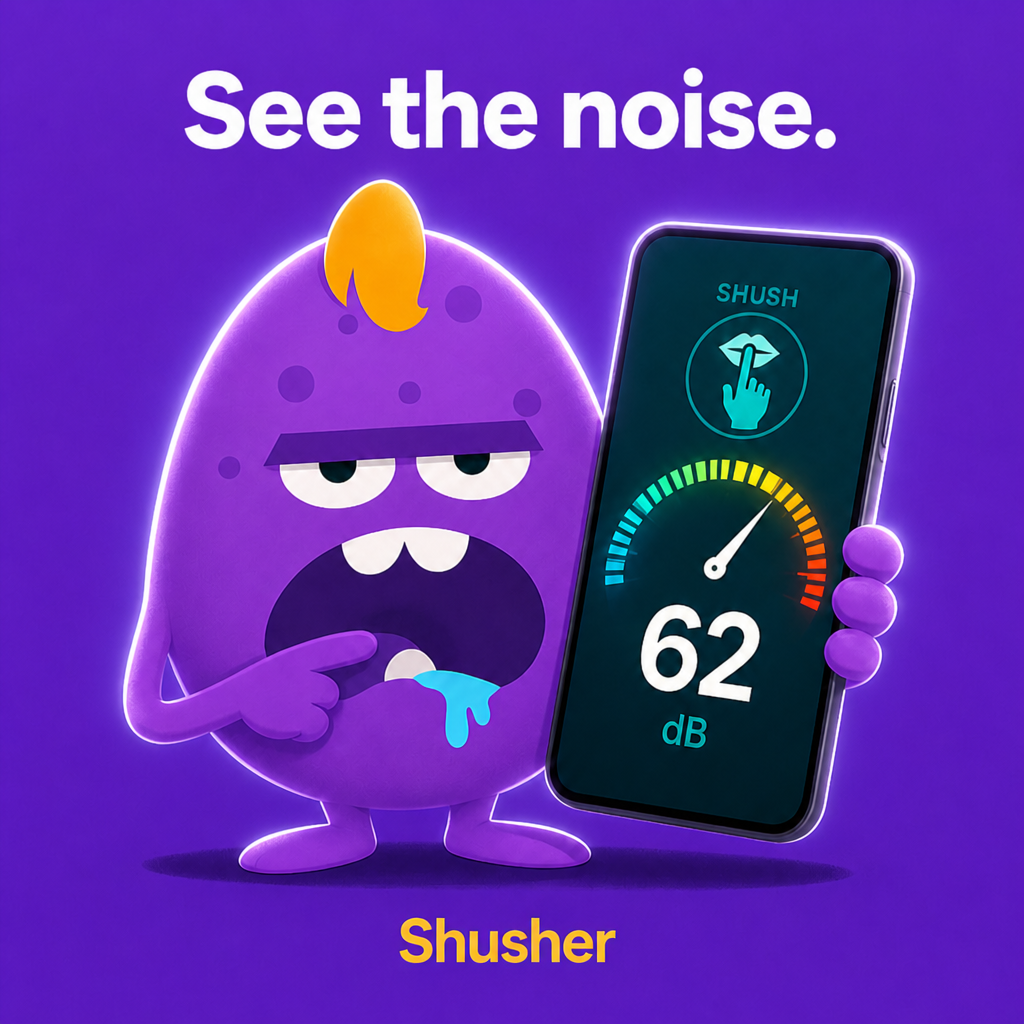
Shusher alerts
Set a threshold and get in-app nudges when noise crosses your line.
History
Compare rooms and times — data stays on your device.
Premium
Longer sessions, charts, CSV export, themes, and no ads.
How to use
Allow microphone
Grant mic access when prompted so the app can estimate ambient level.
Start measuring
Watch the live meter or tap Start measurement for a timed session.
Read your score
See average, category, and recommendations on the results screen.
Save or share
Add to History or share a clean results graphic with a label.
Tips & tricks
Get more from the app.
Placement matters
1. Same spot every time — compare “apples to apples” when tracking a room over days. 2. Mic unobstructed — remove thick cases; don’t cover the bottom edge (common mic location). 3. Orientation — pick portrait or landscape and stick with it; mic direction changes slightly. 4. Height — ear level for “how loud does it feel?”; desk level for workspace noise. 5. Distance — 0.5–1 m from the main noise s
When to use a short vs long session
| Goal | Suggestion | |------|------------| | Quick snapshot | 5 s (default) | | HVAC cycle | 15–30 s (Premium) | | Conversation level | 10–15 s while people talk naturally | | Street noise | 30–60 s (Premium) to catch peaks | ---
Simple average vs energy average (Leq)
Steady hum (fan, AC constant) → simple average is fine. - Bursty noise (dishes, traffic, classroom chatter) → switch to energy average (Leq) in Settings for a fairer score. ---
Shusher use cases
| Scenario | Starting threshold | |----------|-------------------| | Library / study | 45–55 dB | | Open office focus | 55–65 dB | | Living room with kids | 65–75 dB | | Workshop / garage | 75–85 dB | Lower the threshold if alerts rarely fire; raise it if too sensitive. ---
Compare before & after
1. Measure before a change (rug, curtains, door seal, “quiet hours” sign). 2. Apply the change. 3. Measure after at the same time of day. 4. Save both to History with clear names. Small dB drops can mean a noticeably calmer space. ---
Sharing results without drama
Use neutral labels: “Tuesday 8pm apartment” not “neighbor noise proof.” - Share the results graphic for a single snapshot—not a live argument meter. - Remember: phone readings are approximate, not legal evidence. ---
Reduce false highs
Don’t speak directly into the mic while measuring ambient noise. - Move away from TV speakers and phone notifications. - Wind outdoors can spike readings—shield the mic or measure indoors. ---
Premium worth it?
Consider Premium if you: - Export CSV for a landlord, school, or internal report - Need session charts to see spikes during a meeting - Want longer samples and no ads during repeated daily checks One-time purchase—no subscription. ---
Frequently asked questions
Quick answers about features, privacy, and billing.
What is Noise Meter — Shusher?+
A mobile app that estimates ambient sound level using your phone’s microphone, runs timed measurement sessions, scores the environment, saves history on device, and optionally alerts you in-app when noise exceeds a threshold (Shusher).
Is it free?+
Yes. Core metering, sessions, Shusher, and limited history are free. Premium is a one-time upgrade for charts, CSV export, longer sessions, themes, more history, and no ads.
iPhone or Android?+
Both. Bundle ID: `com.zuki.apps.noisemeter`.
What languages are supported?+
12 locales including English, Hebrew, Arabic, French, German, Italian, Japanese, Korean, Chinese, Portuguese, Russian, and Spanish. Change language in Settings.
How accurate is the decibel reading?+
It is an approximate level based on consumer phone hardware. Position, case, wind, and device model all affect results. Not calibrated for professional SPL, OSHA, or legal noise-ordinance enforcement.
Why does my reading differ from a real sound meter?+
Professional meters use calibrated microphones and specific measurement standards. Phones are tuned for speech and vary by manufacturer.
Can I use this in a dispute with a neighbor or landlord?+
Use readings as informal context only. For legal or compliance matters, hire a qualified acoustician with calibrated equipment.
Does the app record or upload audio?+
No continuous recording or cloud upload of raw audio. The app processes level data locally for metering and sessions.
When is the microphone active?+
While the app is open and metering or running a session—not as a background listener.
Why does iOS ask for tracking (ATT)?+
Free tier uses ads. Apple requires permission before personalized ad tracking. Premium removes ads.
Are Shusher alerts push notifications?+
No. They appear inside the app while the live meter is active.
Shusher doesn’t alert me+
Check: Shusher enabled in Settings · threshold not set too high · meter tab open and mic running · live level actually exceeds threshold.
More from Zuki Apps
Explore other free iOS & Android apps from the same developer.


Availability
iOS and Android. Android application ID: com.zuki.apps.noisemeter. Store links are below.
Version
1.0.0+1
Platform
Available on the App Store & Google Play
Download
Get Noise Meter — Shusher on the App Store and Google Play.


Important Links