
ZuList - Manage & Share Lists
Smart Shopping Lists for Families
The perfect app for families and friends who shop together. Create, share, and manage shopping lists in real-time with seamless collaboration.
Key Features
Real-time Collaboration
Share lists with family and friends, see changes instantly across all devices
- • Member and permission management
- • Invitations via email, SMS, WhatsApp
- • Shareable links
- • Real-time Push notifications
Offline Support
Works seamlessly even without internet connection
- • Automatic sync when back online
- • Never lose your data
- • Cloud backup (Premium)
Smart Recommendations
AI-based recommendations with product catalog
- • Intelligent autocomplete
- • Personalized suggestions
- • Learn from your shopping habits
Smart Templates
Pre-made shopping list templates
- • Quick start for common shopping trips
- • Customize templates to your needs
- • 34+ ready-made templates
Smart Notifications
Get notified when items are added or when friends update
- • Silent mode for quiet shopping
- • Badge counts for unread updates
- • Real-time Push notifications
12 Language Support
Full support for 12 languages with translated interface
- • 🇺🇸 English, 🇮🇱 Hebrew (עברית) - Full RTL
- • 🇩🇪 German, 🇪🇸 Spanish, 🇮🇹 Italian
- • 🇵🇹 Portuguese, 🇷🇺 Russian, 🇫🇷 French
- • 🇯🇵 Japanese, 🇰🇷 Korean, 🇸🇦 Arabic, 🇨🇳 Chinese
Category Management
Organize your shopping by categories for better efficiency
- • Custom categories
- • Custom icons
- • Automatic organization
Custom Photos
Add custom photos to items
- • Direct camera capture
- • Gallery selection
- • Automatic optimization
Purchase History
Track your shopping history
- • Advanced statistics (Premium)
- • Track shopping habits
- • Detailed reports
Firebase Integration
Secure cloud sync with Firebase
- • Authentication, Realtime DB, Firestore
- • Storage, Functions, FCM
- • Deep linking
Privacy & Security
Secure authentication and data protection
- • Secure authentication (Google, Apple)
- • Encrypted data
- • Full control over sharing
- • Complete account deletion
Beautiful & Intuitive
Modern and clean interface with excellent user experience
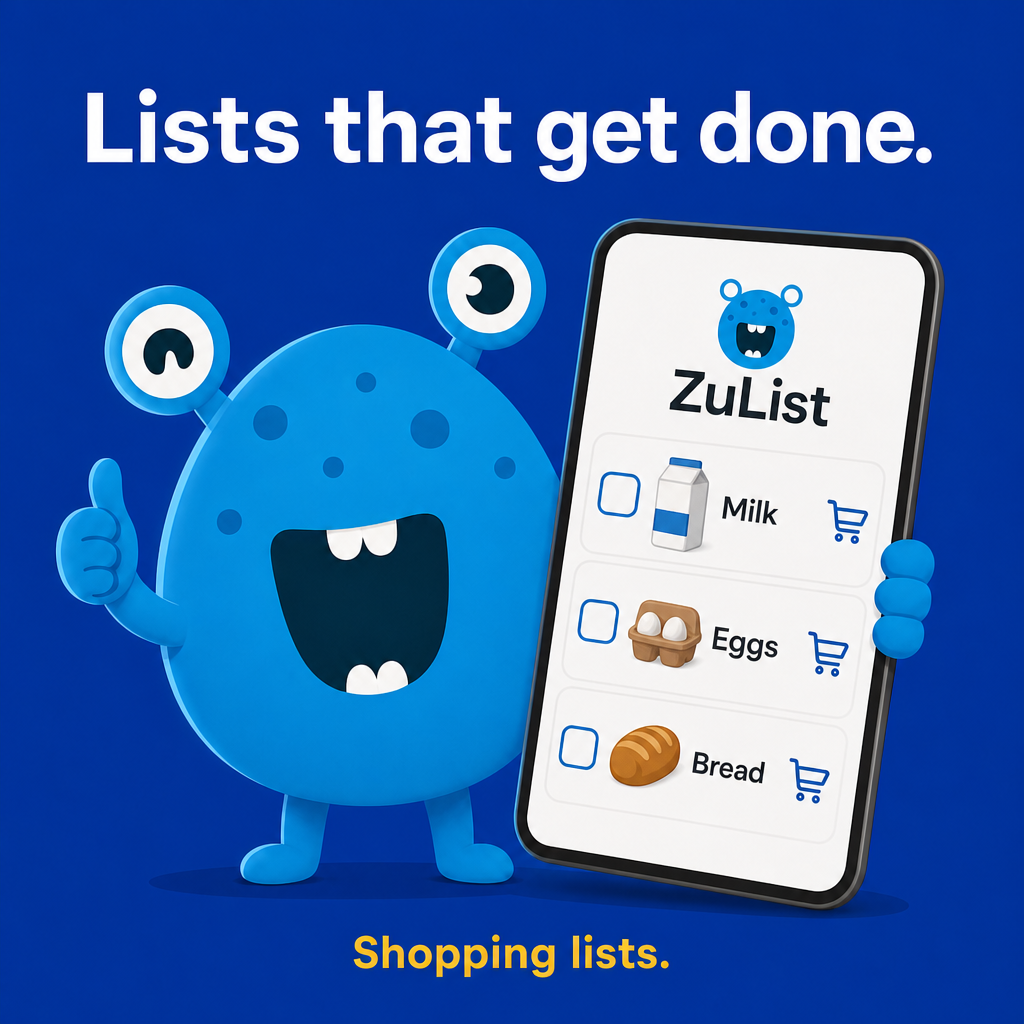
- • Zuli Monsters characters for fun
- • Customizable themes
- • Dark mode support
- • Full Accessibility support
Premium Features
Upgrade to Premium and enjoy advanced features without limits
Free Features
- • 5 lists maximum
- • 150 items per list
- • 1 shared member per list
- • Banner ads
- • No advanced statistics
- • No custom themes
- • No offline mode
- • No cloud backup
Premium Features
- • Unlimited lists
- • Unlimited items
- • Unlimited members
- • Ad-free experience
- • Advanced statistics
- • Custom themes
- • Offline mode
- • Cloud backup
💰 Monthly: $1.99 | Yearly: $17.99
Save 25% with annual subscription
Rewarded Ads
Watch ads and get temporary access to Premium features:
- • Remove ads for 24 hours
- • Access statistics for 24 hours
- • 10 additional items per list
Key Features
Real-time Collaboration
Share lists with family and friends, see changes instantly across all devices
- • Member and permission management
- • Invitations via email, SMS, WhatsApp
- • Shareable links
- • Real-time Push notifications
Offline Support
Works seamlessly even without internet connection
- • Automatic sync when back online
- • Never lose your data
- • Cloud backup (Premium)
Smart Recommendations
AI-based recommendations with product catalog
- • Intelligent autocomplete
- • Personalized suggestions
- • Learn from your shopping habits
Smart Templates
Pre-made shopping list templates
- • Quick start for common shopping trips
- • Customize templates to your needs
- • 34+ ready-made templates
Smart Notifications
Get notified when items are added or when friends update
- • Silent mode for quiet shopping
- • Badge counts for unread updates
- • Real-time Push notifications
12 Language Support
Full support for 12 languages with translated interface
- • 🇺🇸 English, 🇮🇱 Hebrew (עברית) - Full RTL
- • 🇩🇪 German, 🇪🇸 Spanish, 🇮🇹 Italian
- • 🇵🇹 Portuguese, 🇷🇺 Russian, 🇫🇷 French
- • 🇯🇵 Japanese, 🇰🇷 Korean, 🇸🇦 Arabic, 🇨🇳 Chinese
Category Management
Organize your shopping by categories for better efficiency
- • Custom categories
- • Custom icons
- • Automatic organization
Custom Photos
Add custom photos to items
- • Direct camera capture
- • Gallery selection
- • Automatic optimization
Purchase History
Track your shopping history
- • Advanced statistics (Premium)
- • Track shopping habits
- • Detailed reports
Firebase Integration
Secure cloud sync with Firebase
- • Authentication, Realtime DB, Firestore
- • Storage, Functions, FCM
- • Deep linking
Privacy & Security
Secure authentication and data protection
- • Secure authentication (Google, Apple)
- • Encrypted data
- • Full control over sharing
- • Complete account deletion
Beautiful & Intuitive
Modern and clean interface with excellent user experience
- • Zuli Monsters characters for fun
- • Customizable themes
- • Dark mode support
- • Full Accessibility support
Screenshots
Real app screens from ZuList - Manage & Share Lists.
App screens
Your lists
Create and manage multiple shopping lists.
Shared list
Collaborate in real time with family or roommates.
Invite & share
Send an invite link — no account required for guests.
Home widget
Glance items from your home screen.
How to use
Create a list
Add items with quantities and categories.
Share the list
Send an invite link so others can edit live.
Shop together
Check off items — changes sync instantly.
Use widgets
Pin a list to your home screen for quick access.
Tips & tricks
Get more from the app.
Shopping faster
Reorder lists on the home screen—put “Today” at the top - Search across all your lists from the home screen - Mark all bought when you finish a trip (owner/read-write)
Collaboration
Use read-only for kids or guests who shouldn’t edit - Due date on a list + notification = fewer “did you get milk?” texts - Share a link in the family group chat—no email required
Offline
Add items in airplane mode; they sync when you land - If sync is slow, pull to refresh on the list screen
Widget
Set primary list to your main grocery list, not one-off party lists - Widget shows unbought count only
Invites
Recent emails appear when inviting—tap to resend faster - Wait a few seconds between resends to the same address (anti-spam)
Premium value
Worth it if you run multiple households or large families on one list - Restore purchases on a new phone: Premium screen → restore link
Privacy
Only people you invite see a list - Delete account anytime: Settings → Account → Delete account
Frequently asked questions
Quick answers about features, privacy, and billing.
What is ZuList?+
A collaborative shopping list app. Create lists, share with others, and sync in real time on iOS and Android.
Is ZuList free?+
Yes. Free tier includes up to 5 lists, 150 items per list, and sharing with one other person per list. Premium removes limits and ads.
Do I need an account?+
You can start as a guest. Sign in to sync across devices and accept invites reliably.
Which languages are supported?+
English, Hebrew, Arabic, German, Spanish, French, Italian, Portuguese, Russian, Chinese (Simplified), Japanese, and Korean.
How fast is sync?+
Usually instant when online. Offline changes upload when connectivity returns.
Can two people edit at the same time?+
Yes. Last write wins for the same field; the list stays consistent.
How do I remove someone from a list?+
List owner → Members → remove. They lose access immediately.
Why doesn’t the widget match the list I’m viewing?+
The widget always shows your **primary list** from Settings.
How do I add the widget?+
See [How to: Home screen widget](./how-to-home-widget.md).
What does Premium include?+
Unlimited lists, items, and members; no ads; advanced statistics; themes; premium offline features; cloud backup.
How do I cancel?+
Manage subscription in the App Store or Google Play—ZuList updates automatically via store webhooks.
Where is my data stored?+
Firebase (Google Cloud). Lists are private to you and invited members.
More from Zuki Apps
Explore other free iOS & Android apps from the same developer.


✅ Available Now
The app is ready for use with 1062+ comprehensive tests
Version
1.0.9+74
Tests
1062+ tests
Status
Available on App Store & Google Play
Download Now
Get ZuList from the app stores


Perfect For
👨👩👧👦 Families Shopping Together
Share lists with the whole family and always stay synchronized
🏠 Roommates
Share groceries with roommates easily
🎉 Event Organizers
Plan events with friends in an organized way
🛒 Anyone Who Wants Organized Shopping
Make shopping organized, collaborative, and fun
Important Links