

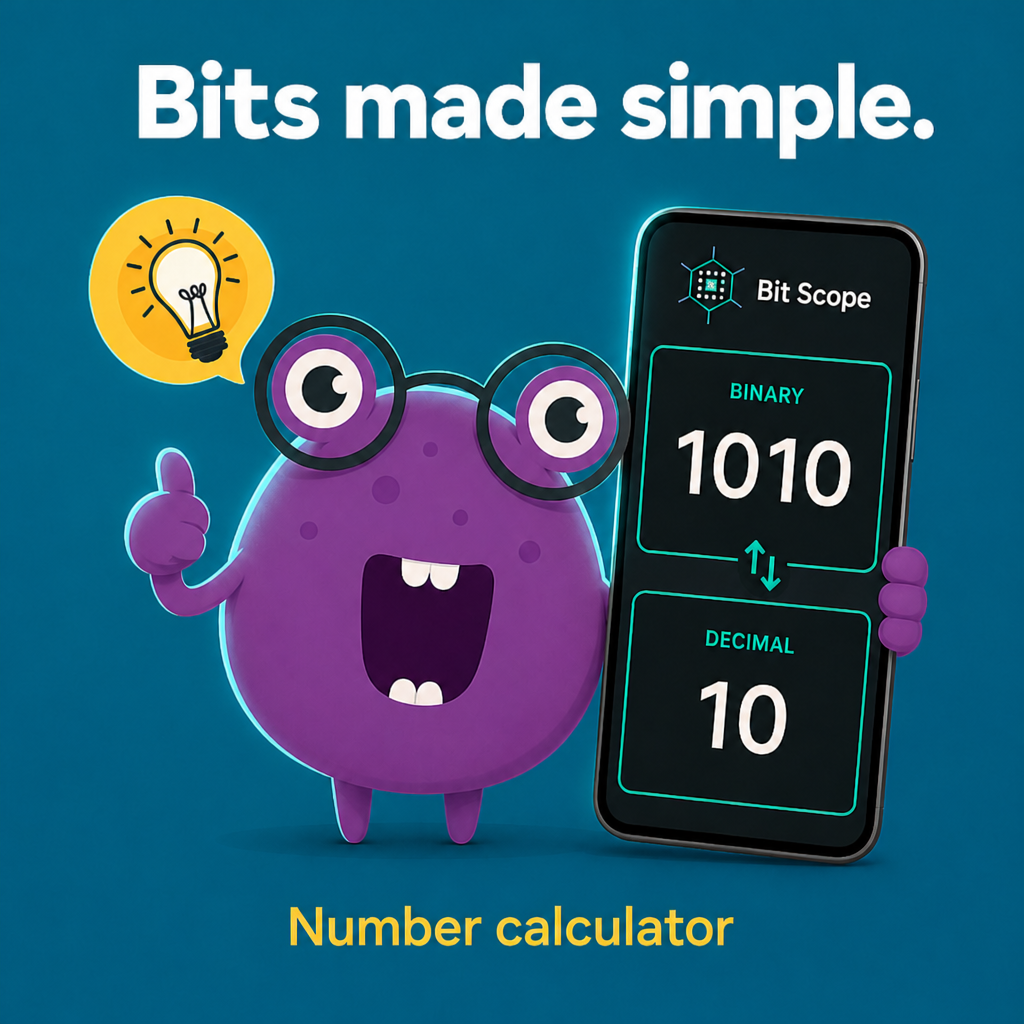
Bit Scope - Bit & Number Calculator
Bit-Level Inspector & Converter
A powerful bit-level inspector and converter for developers, engineers, and students. Visualize, manipulate, and convert numbers at the bit level across multiple number systems and formats.
Key Features
Interactive Bit Editor
Visual bit grid with toggle functionality for direct bit manipulation
- • Visual bit grid display
- • Toggle individual bits
- • Full-screen bit editor modal
- • Real-time bit preview
Multiple Number Formats
Support for various integer and floating-point formats
- • 8-bit, 16-bit, 32-bit, 64-bit integers
- • Float16 (half precision)
- • Float32 (single precision)
- • Float64 (double precision) with IEEE 754
Number Base Support
Input and display in multiple number bases
- • Binary (BIN)
- • Octal (OCT)
- • Decimal (DEC)
- • Hexadecimal (HEX)
Bitwise Operations
Perform bitwise operations with a second operand
- • AND operation
- • OR operation
- • XOR operation
- • NOT operation
IEEE 754 Breakdown
Visual representation of floating-point components
- • Sign bit visualization
- • Exponent breakdown
- • Mantissa representation
- • IEEE 754 standard compliance
Advanced Options
Comprehensive configuration options
- • Signed/Unsigned modes
- • Big Endian / Little Endian
- • MSB / LSB bit order
- • Real-time conversion
Key Features
Interactive Bit Editor
Visual bit grid with toggle functionality for direct bit manipulation
- • Visual bit grid display
- • Toggle individual bits
- • Full-screen bit editor modal
- • Real-time bit preview
Multiple Number Formats
Support for various integer and floating-point formats
- • 8-bit, 16-bit, 32-bit, 64-bit integers
- • Float16 (half precision)
- • Float32 (single precision)
- • Float64 (double precision) with IEEE 754
Number Base Support
Input and display in multiple number bases
- • Binary (BIN)
- • Octal (OCT)
- • Decimal (DEC)
- • Hexadecimal (HEX)
Bitwise Operations
Perform bitwise operations with a second operand
- • AND operation
- • OR operation
- • XOR operation
- • NOT operation
IEEE 754 Breakdown
Visual representation of floating-point components
- • Sign bit visualization
- • Exponent breakdown
- • Mantissa representation
- • IEEE 754 standard compliance
Advanced Options
Comprehensive configuration options
- • Signed/Unsigned modes
- • Big Endian / Little Endian
- • MSB / LSB bit order
- • Real-time conversion
Screenshots
Real app screens from Bit Scope - Bit & Number Calculator.
App screens
Calculator
Convert and inspect values across number bases and bit widths.
Bit canvas
Flip bits on a live canvas and copy results in one tap.
Converters
IEEE 754, CRC, hash, and more engineering utilities.
Utilities
Premium tools for power users — one-time unlock.
Widgets
Home-screen widgets for quick conversions.
How to use
Pick a format
Choose binary, octal, decimal, or hex and your bit width.
Enter a value
Type or paste — results update instantly across representations.
Use the canvas
Tap bits to flip them and see the value change live.
Copy or export
One-tap copy, history, and batch convert when you need more.
Tips & tricks
Get more from the app.
Calculator
1. Set width before paste — Pasting `0xFFFF` into 16-bit mode behaves differently than 32-bit. 2. Endian toggle for protocol bugs — Flip BE/LE when a register looks “byte-swapped”. 3. Gray code — Use for encoder / rotary sensor homework or validation. 4. Float switch — Jump INT → F32 to decode IEEE 754 from the same bit pattern. 5. History export — Snapshot a debug session before clearing the chip
Bit canvas
6. Tap don't type — Mask tweaks (set bit 7) are faster on the grid than hex math. 7. Sign bit first — In signed 8-bit, bit 7 is your quick sanity check for negatives.
Copy workflow
8. Checkmark = shipped — Wait for the icon before switching apps. 9. Paste once — Verify hex has no stray spaces before `gcc` or `xxd`.
Converters
10. RAL colors — Firmware UI teams: match enclosure paint chips to RGB for docs. 11. Timestamp now — Tap current-time shortcut (if shown) for log correlation. 12. Comparator — Diff two hex constants side by side before merging branches.
Utilities (Premium)
13. CRC test vectors — Keep `123456789` and `Hello` strings as mental benchmarks. 14. Hex dump import — Paste a snippet from `xxd` to inspect structure. 15. QR for Wi-Fi or URL — Field provisioning without a laptop.
Widgets & layout
16. Three-tool board — Calculator tab + Widgets with Timestamp + Base64 covers 80% of bring-up. 17. iPad rail — Landscape uses side navigation—more vertical space for hex dump.
Settings
18. Dark theme default — Easier on eyes during late firmware sessions; light for outdoor. 19. Language per device — System language vs in-app override for bilingual teams. 20. Learn tab — Send interns to Settings → Learn before asking about two's complement.
Premium
21. One purchase — Restore on new phone before rebuying. 22. Future tools — Premium includes utilities we add later—no upsell tier. --- *Have a tip we should add? [email protected]*
Frequently asked questions
Quick answers about features, privacy, and billing.
What is Bit Scope?+
Bit Scope is a bit-level calculator and converter for developers. It converts between binary, octal, decimal, and hex; supports IEEE 754 floats; includes bitwise operations; and bundles converters and (with Premium) utilities like CRC and hash.
Is Bit Scope free?+
Yes. The calculator, bitwise tools, converters, history, and learning examples are free. Premium is a one-time purchase that removes ads and unlocks the Utilities tab.
Is Premium a subscription?+
No. Premium is a one-time in-app purchase. Future Premium-only tools are included without a recurring fee.
Which platforms are supported?+
iPhone and iPad (iOS). Android availability follows your Google Play listing. See store links on [zukiapps.com/bit-scope](https://zukiapps.com/bit-scope).
What languages are supported?+
12 base languages with regional variants (e.g. en-US, pt-BR, zh-Hans). Hebrew and Arabic include full RTL layout.
How do I open the bit canvas?+
On the Calculator tab, open the bit grid preview or modal (tap the grid / bit visualization control). Tap any bit to toggle it; values update across all representations.
What is MSB vs LSB bit order?+
MSB lists bits from most significant to least. LSB reverses the visual order. Choose the view that matches your datasheet or protocol diagram.
What endianness settings do?+
Big-endian stores the most significant byte first; little-endian stores the least significant byte first. Bit Scope shows how your integer maps to bytes for each mode.
Can I use custom bit widths?+
Yes. Select a preset (8, 16, 32, 64) or enter a custom width (within app limits) for masks and registers that are not power-of-two aligned.
How does copy work?+
Tap the copy icon on a result card or tool output. Text is copied without extra spaces (e.g. binary groups may be stripped per field). A checkmark confirms success.
Which tools are free vs Premium?+
Free: Base64, color picker, timestamp, value comparator, batch converter—and all calculator features. Premium: CRC, hash, ASCII/Unicode viewer, QR generator, hex dump—and adding utility tools to custom widgets.
Why does CRC say input is too large?+
Very large inputs can exceed safe calculation limits on device. Shorten the input or split the data block. Bit Scope shows a clear message instead of failing silently.
More from Zuki Apps
Explore other free iOS & Android apps from the same developer.


Available
Download on the App Store and Google Play.
Version
1.0.2+6
Status
Live
Download Now
Available on the App Store and Google Play.